How to configure PayPal payment gateway (Sandbox)
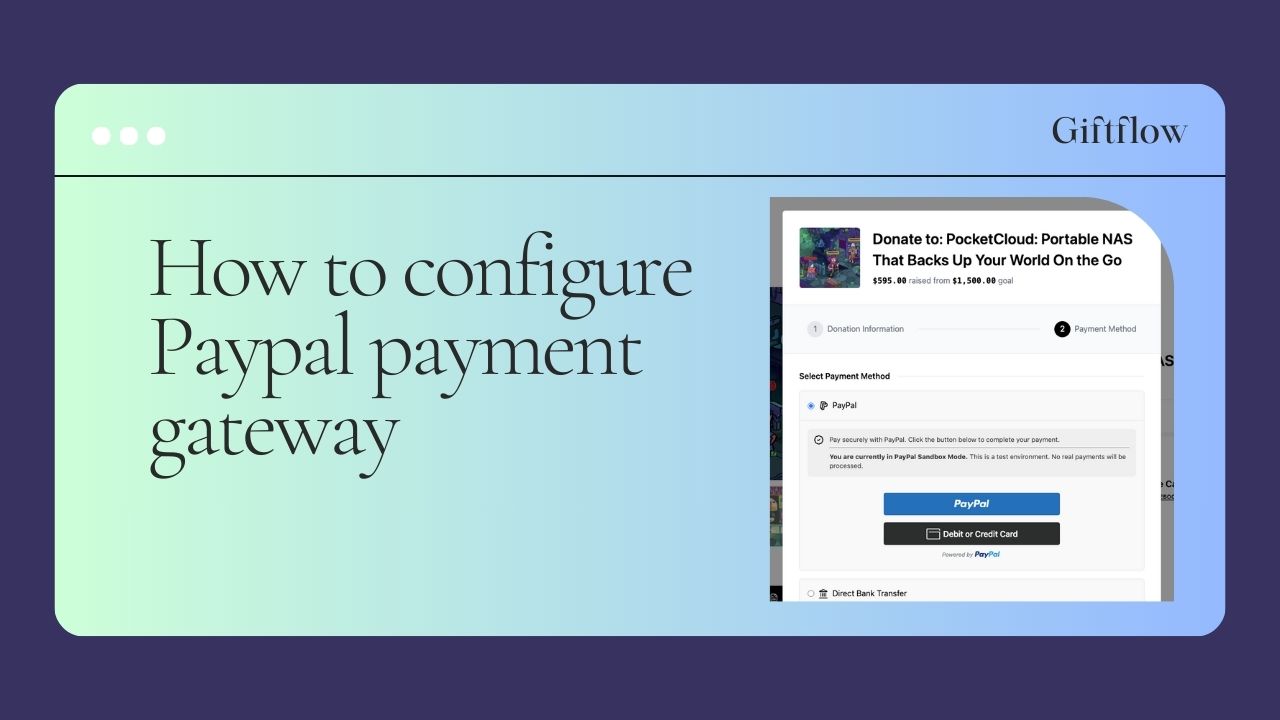
This guide shows how to configure PayPal Sandbox for Giftflow so you can test donations safely before going live.
Prerequisites
- Admin access to your WordPress site running Giftflow
- A PayPal/Developer account
Step 1: Go to the PayPal Developer Dashboard
- Open
https://developer.paypal.com/ - Sign in.
Step 2: Create a Sandbox app and get credentials
- In the dashboard, go to Apps & Credentials.
- Switch to the Sandbox tab (not Live).
- Click Create App.
- Name the app (example: “Giftflow Sandbox”).
- After the app is created, copy:
- Client ID (Sandbox)
- Client Secret (Sandbox)
Step 3: Configure PayPal in Giftflow
In your WordPress Admin:
- Open Giftflow → Settings → Payments → PayPal (or the PayPal settings screen in your Giftflow plugin).
- Set Environment to Sandbox.
- Paste:
- PayPal Client ID (Sandbox)
- PayPal Client Secret (Sandbox)
- Save changes.
Step 4 (Recommended): Create Sandbox test accounts
To simulate real donations, PayPal provides sandbox “buyer” accounts.
- In the PayPal Developer Dashboard, go to Testing Tools → Sandbox Accounts.
- Create (or use) a Personal account as the donor/buyer.
- Save the email/password so you can log in during checkout.
Step 5 (Optional but recommended): Enable PayPal webhooks
Webhooks help Giftflow stay in sync with PayPal payment results (especially if a donor closes the tab during checkout).
- In the PayPal Developer Dashboard, open your Sandbox app.
- Find Webhooks and click Add Webhook.
- For the webhook URL, paste the webhook endpoint shown in Giftflow’s PayPal settings (if your plugin provides one).
- Subscribe to these events:
PAYMENT.CAPTURE.COMPLETEDPAYMENT.CAPTURE.DENIEDPAYMENT.CAPTURE.REFUNDED
- Save the webhook.
Note: PayPal event names are case-sensitive. The correct prefix is
PAYMENT(singular), notPAYMENTS.
Step 6: Test a sandbox donation
- Open a campaign donation form on your site.
- Select PayPal as the payment method.
- Complete checkout using a sandbox personal (buyer) account.
- Confirm Giftflow records the Donation and sends the expected emails (admin + donor).
Troubleshooting
- PayPal button doesn’t load: confirm the environment is Sandbox and the Client ID is from the Sandbox app.
- Checkout works but status doesn’t update: enable webhooks and ensure the webhook URL is publicly reachable.
- Wrong account during testing: make sure you’re using the sandbox login from Sandbox Accounts, not a real PayPal account.